
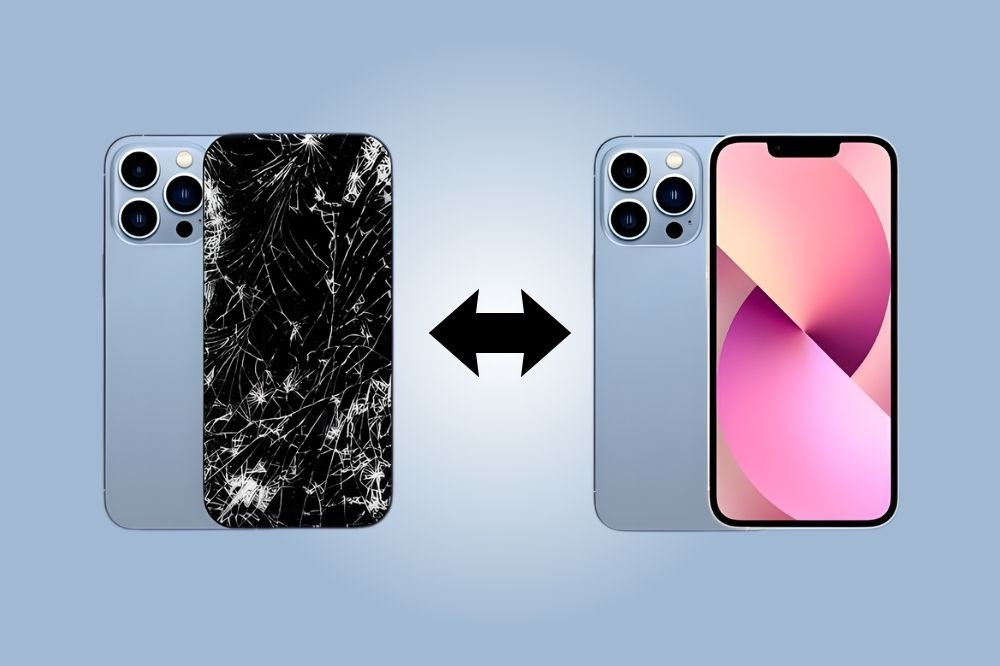
Screen Pattern Not Working? Here is How to Fix It
Have you ever picked up your phone, tried to unlock it like you always do, and suddenly your screen pattern just would not work? Frustrating, right? Our phones hold so much of our daily life, photos, chats with loved ones, work apps, bank details, and important memories. Not being able to unlock your phone feels very upsetting, and it can feel like you are locked out of your own world.
This problem happens to many people, and in most cases, it can be fixed without too much trouble. Sometimes it is caused by something very simple, like a dirty screen or a small software glitch. But sometimes, it needs a bit more attention, like in the case of iPhone Screen Repair in Perth. Let’s understand common reasons why your screen pattern may stop working and easy, practical steps you can try to regain access to your phone.
Reasons Your Screen Pattern May Not Be Working
There are several reasons why your screen pattern may stop working properly. Understanding the cause can help you find the right solution faster. Let’s understand.
- Dirty or Wet Screen: Sometimes, the problem is very simple. If your phone screen has dust, oil, or water on it, the touch may not work properly. Even small dirt marks can stop the screen from reading your pattern correctly.
- Software Glitches: Phones can sometimes face small software issues. Updates, app crashes, or system errors may affect your lock screen. When this happens, your correct pattern may still not unlock the device.
- Damaged Screen or Touch Sensor: If your phone has been dropped or exposed to pressure, the screen or touch sensor may get damaged. In this case, certain parts of the screen may stop responding to touch.
- Forgotten Pattern: This may sound obvious, but it happens often. If you recently changed your pattern, you may accidentally enter the old one.
- Screen Protector Problems: Sometimes, thick or poor-quality screen protectors can affect touch sensitivity. This can make it hard for your phone to detect your pattern correctly.
Simple Fixes You Can Try at Home
Before worrying too much, try these easy steps. Many people are able to fix their screen pattern issue using these methods.
Clean Your Screen: Use a soft, dry cloth to gently clean your phone screen. Make sure your hands are clean and dry before entering your pattern again. Avoid using strong chemicals or wet wipes.
Restart Your Phone: Yes, restarting your phone can fix many small software issues. Turn your phone off, wait about 30 seconds, and then turn it back on. After restarting, try entering your pattern again.
Remove Screen Protector or Case: If you are using a screen protector or phone case, remove it and test your screen again. Sometimes accessories can affect touch performance.
Try Unlocking Using Backup Methods: Most phones offer backup unlocking options such as PIN, password, fingerprint, or face unlock. If you have set one of these earlier, try using it to access your phone.
Professional Repair: Fixing Serious Screen Problems
Tried all the basic fixes, but your phone screen still will not unlock? This could be a sign of a bigger problem inside your device. And yes, ignoring the issue can sometimes make the damage worse and may even lead to data loss. In that case, getting a proper inspection from repair specialists who deal with problems like iPhone or Android phone repair in Perth.
If you notice that some parts of your screen do not respond when you touch them, or your phone behaves strangely while unlocking, it is time to consider expert help.
How Professional Technicians Can Help
- Carefully check your phone to find the exact problem
- Use proper tools and quality replacement parts
- Repair or replace damaged screens and touch sensors
- Protect your important photos, files, and personal data
- Test your phone to make sure everything works smoothly again
Getting professional repair support not only fixes the problem properly but also gives you peace of mind. Skilled technicians know how to handle different phone models and can bring your device back to working condition safely and quickly.
Tips to Prevent Screen Pattern Problems in the Future
Preventing the issue is always better than fixing it later. Here are some simple tips to help protect your phone screen:
- Use a good-quality screen protector
- Avoid dropping your phone
- Keep your phone away from water and moisture
- Clean your screen regularly
- Update your phone software when updates are available
- Set backup unlocking methods like fingerprint or PIN
These small habits can help your phone stay safe and work smoothly.
Conclusion
A screen pattern that stops working can be stressful, especially when you need quick access to your phone. In many cases, simple steps like cleaning the screen, restarting the device, or removing accessories can fix the problem. However, if your screen has physical damage or touch issues, expert repair is the safest solution.
At Westcoast Repairs, we offer high-quality repair services for smartphones, tablets, and other devices. Our skilled technicians are experienced in handling screen replacements, touch repair, software troubleshooting, and general device repairs. We focus on using quality parts and careful repair methods to ensure your device works properly again. Getting your device checked early can often save time, prevent further damage, and help your phone last longer.
Recent Posts
-

Signs Your Laptop and Phone Have Malware and How to Fix It Fast
We use our laptops and phones every single day. We check emails, talk to family, manage work, pay bi …30th Mar 2026 -
Must-Have Phone Accessories This Year
Your phone is probably the first thing you reach for in the morning and the last thing you put down …26th Feb 2026 -
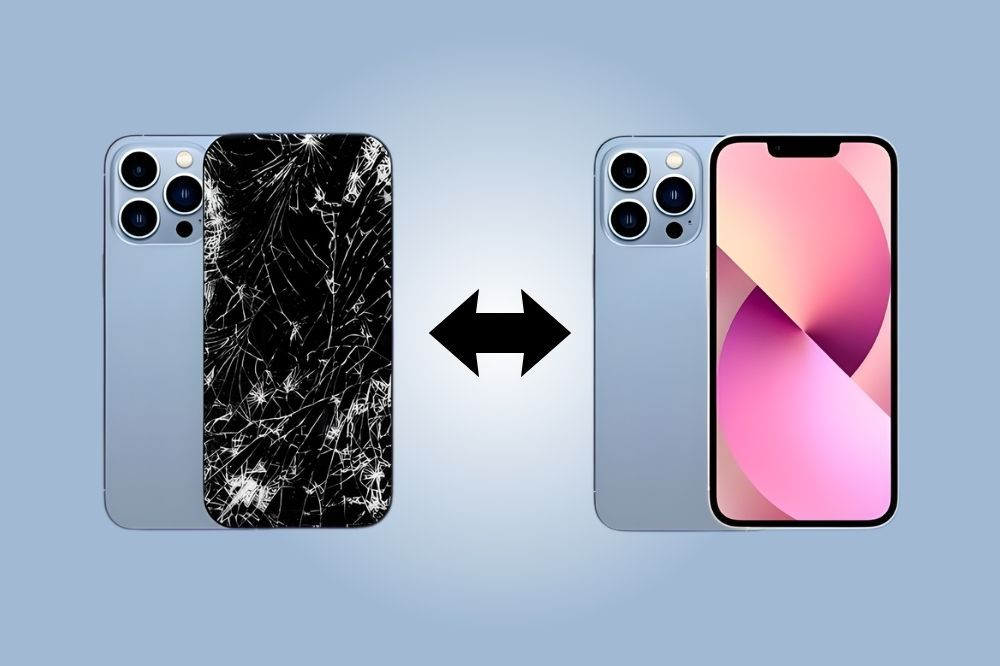
Screen Pattern Not Working? Here is How to Fix It
Have you ever picked up your phone, tried to unlock it like you always do, and suddenly your screen …16th Feb 2026