
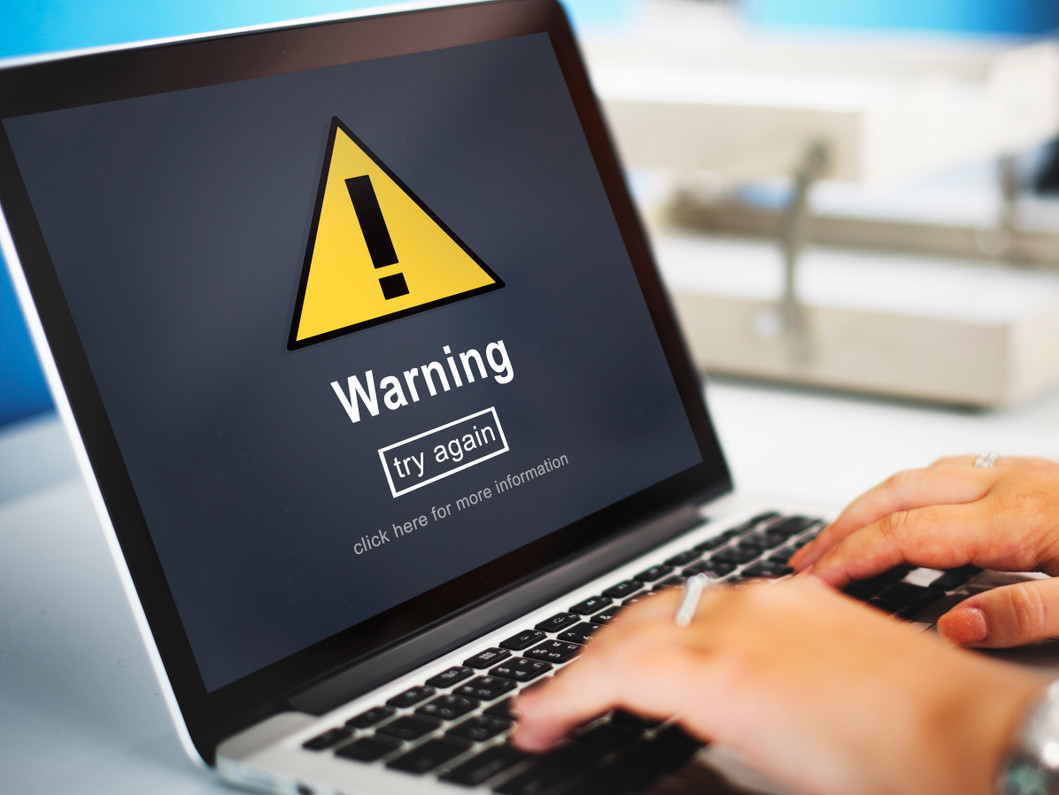
Signs Your Laptop and Phone Have Malware and How to Fix It Fast
We use our laptops and phones every single day. We check emails, talk to family, manage work, pay bills, and store photos. These devices hold a lot of personal and business information. Because of this, they can also become a target for malware.
Malware can enter your device without you even noticing. It may come from clicking on a fake link, downloading an unsafe app, or visiting the wrong website. Once inside, it can slow down your system, steal your data, or even lock your files. And the scary part is that many people do not realise their device is infected until it starts causing serious problems. But if you know the early signs, you can fix the issue quickly before it gets worse.
Let’s have a look at the simple signs that your laptop or phone may have malware and what you can do to remove it fast and keep your device safe.
What Is Malware?
Malware is short for “malicious software”. It includes viruses, spyware, ransomware, and other harmful programs. Malware can enter your device when you:
- Click on a fake email link
- Download unsafe apps
- Visit risky websites
- Use public Wi-Fi without protection
- Plug in an infected USB drive
It usually works quietly in the background. That’s why it is important to know the warning signs.
Signs Your Laptop Has Malware
1. Your Laptop Is Very Slow
If your laptop suddenly becomes very slow, even when you are not using many programs, that is a red flag. Malware often runs in the background and uses up memory.
2. Strange Pop-Up Ads
Are you seeing pop-up ads all the time? Even when you are not browsing? That is not normal. Too many ads can mean adware has infected your system.
3. Programs Open by Themselves
If apps or browser tabs open without you clicking anything, something is wrong. Malware can control parts of your system.
4. Antivirus Is Disabled
If your security software turns off on its own and you cannot switch it back on, malware may be blocking it.
5. Files Are Missing or Locked
If your files disappear or you cannot open them, you may be dealing with ransomware. This type of malware locks your data and asks for money.
If you use a MacBook and notice these problems, it is best to get expert help quickly. Many people think Macs cannot get viruses. That is not true. If needed, professional Apple MacBook Repair in Perth can help remove infections safely and protect your important files.
Signs Your Phone Has Malware
Now let’s move to phones, as they can also get infected. Here are simple signs to watch for.
1. Battery Drains Fast
If your battery suddenly runs out much faster than usual, malware may be running in the background.
2. Data Usage Is Very High
Check your data usage. If it is much higher than normal, harmful apps may be sending information without your knowledge.
3. Random Apps Appear
If you see apps you never downloaded, that is a serious warning sign.
4. Overheating
If your phone gets very hot even when you are not using it much, malware could be using the processor.
5. Strange Messages Sent from Your Phone
If friends tell you they received weird messages or links from you, your phone could be infected.
In these cases, quick action is important. Getting help from a trusted Phone Repairs in Perth can help inspect your device properly and remove harmful software before it spreads further.
What To Do Immediately If You Suspect Malware
If you think your laptop or phone has malware, stay calm. Follow these steps.
Step 1: Disconnect from the Internet
Turn off Wi-Fi and mobile data. This can stop malware from sending or receiving data.
Step 2: Do Not Enter Passwords
Avoid logging into banking, email, or social media accounts until the device is clean.
Step 3: Run Security Software
If you have trusted antivirus software installed, run a full scan. Follow the steps to remove detected threats.
Step 4: Delete Suspicious Apps
Remove apps you do not recognise. Only keep apps from trusted sources like official app stores.
Step 5: Update Your System
Sometimes updates fix security gaps. Install the latest updates once you are sure your device is safe.
Final Thoughts
Malware is a serious problem, but if you notice the signs early and take action quickly, you can stop it from causing serious damage. Your laptop and phone are important parts of your daily life. They help you stay connected, productive, and organised. When something feels wrong, trust your instincts. Hiring an expert who offer laptop and iPhone Repairs in Perth can diagnose hidden problems and make sure your device is secure again.
At Westcoast Repairs, with real experience and a strong focus on customer care, we work hard to get your device back to normal quickly and safely. Contact us today.
Stay Alert, Stay Protected.
Recent Posts
-
Signs Your Laptop and Phone Have Malware and How to Fix It Fast
We use our laptops and phones every single day. We check emails, talk to family, manage work, pay bi …30th Mar 2026 -

Must-Have Phone Accessories This Year
Your phone is probably the first thing you reach for in the morning and the last thing you put down …26th Feb 2026 -
Screen Pattern Not Working? Here is How to Fix It
Have you ever picked up your phone, tried to unlock it like you always do, and suddenly your screen …16th Feb 2026