
Blog
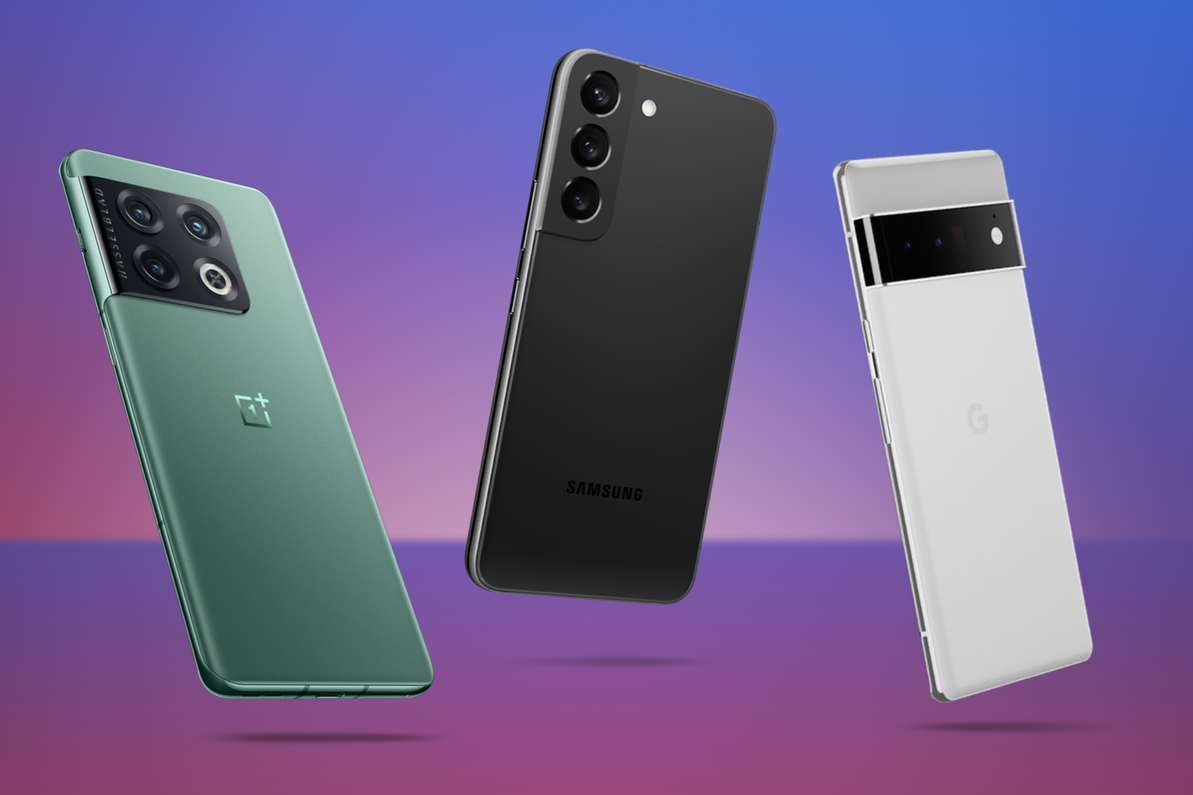
The Best Android Phones 2024: Top Picks and Reviews
Determining the "best" Android phone can be subjective, as it depends on individual preferences, priorities, and needs. As of my last knowledge update in January 2024, here are some Android phones that were highly regarded for their overall performance, features, and capabilities. Please note that newer models may have been released since then, so it's essential to check the latest reviews and comparisons for the most up-to-date information:Samsung Galaxy S21 Ultra: Known for its powerful specif
…
24th Jan 2024
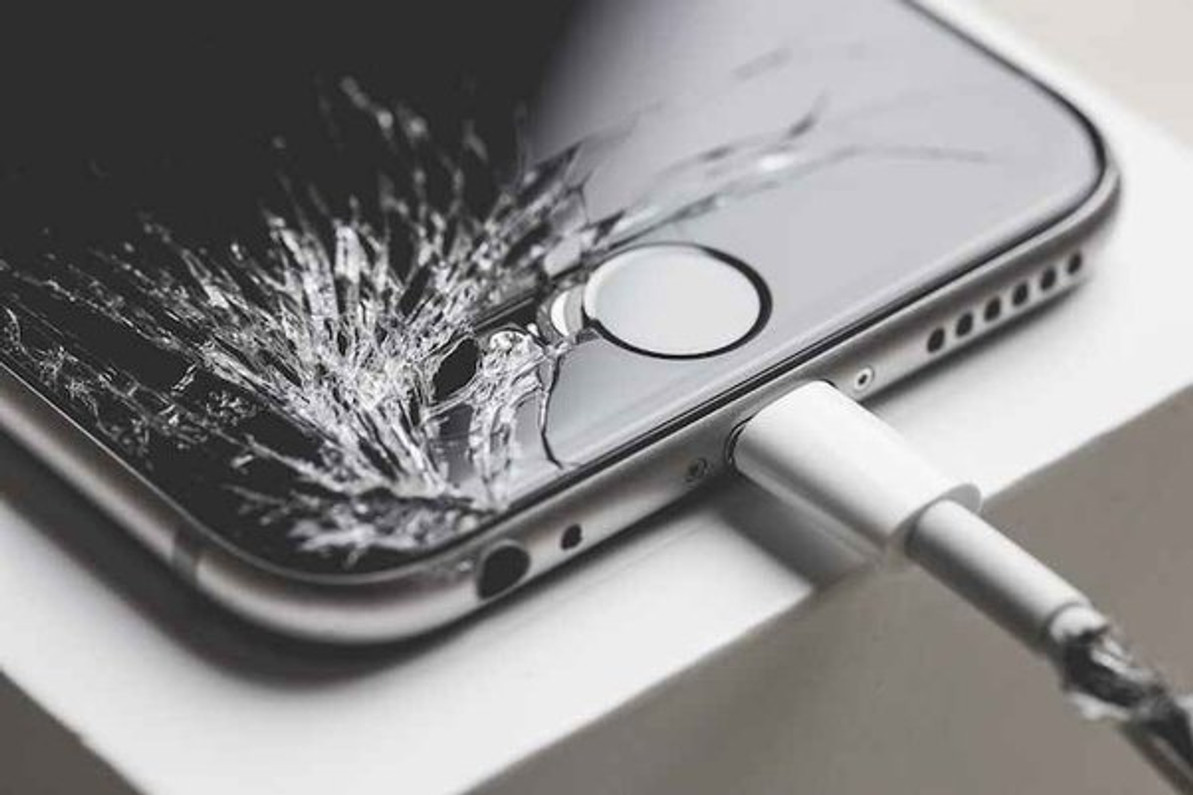
Is it Cheaper to Fix a Phone or Replace It? Discover Now
Whether it's cheaper to fix a phone or replace it depends on various factors, including the extent of the damage, the age of the phone, and the cost of repairs versus the cost of a new device. Here are some considerations:Extent of Damage: If the phone has minor issues like a cracked screen or a simple hardware problem, repairing it might be more cost-effective than replacing it.Age of the Phone: Older phones may have a reduced repair and resale value. If the phone is outdated and has other perf
…
20th Jan 2024
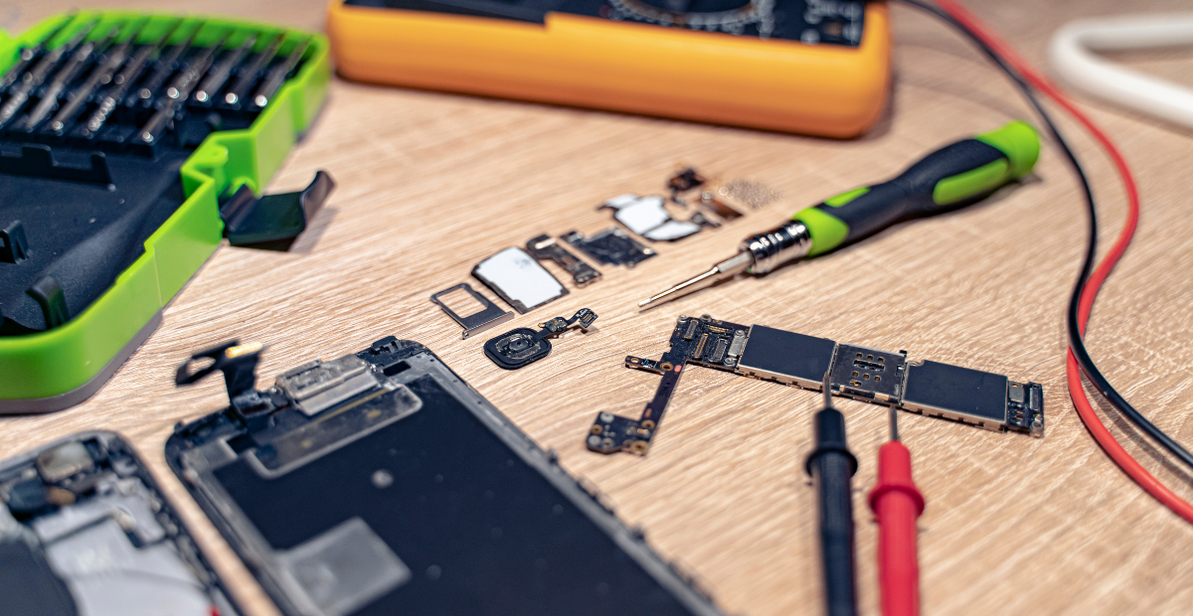
3 Popular iPhone Repair Myths Busted: What You Need to Know
When it comes to repairing iPhones, many myths in circulation have a way of misleading users. Misconceptions about the fragility, repairability, and maintenance of these devices often lead to confusion and costly mistakes. Come along as we unpack and debunk three of the most common misconceptions and let you in on a secret; the best team to repair iPhones in three locations across Australia.Come along as we unpack and dispel these myths with facts and expert insights. This journey through the wo
…
18th Jan 2024
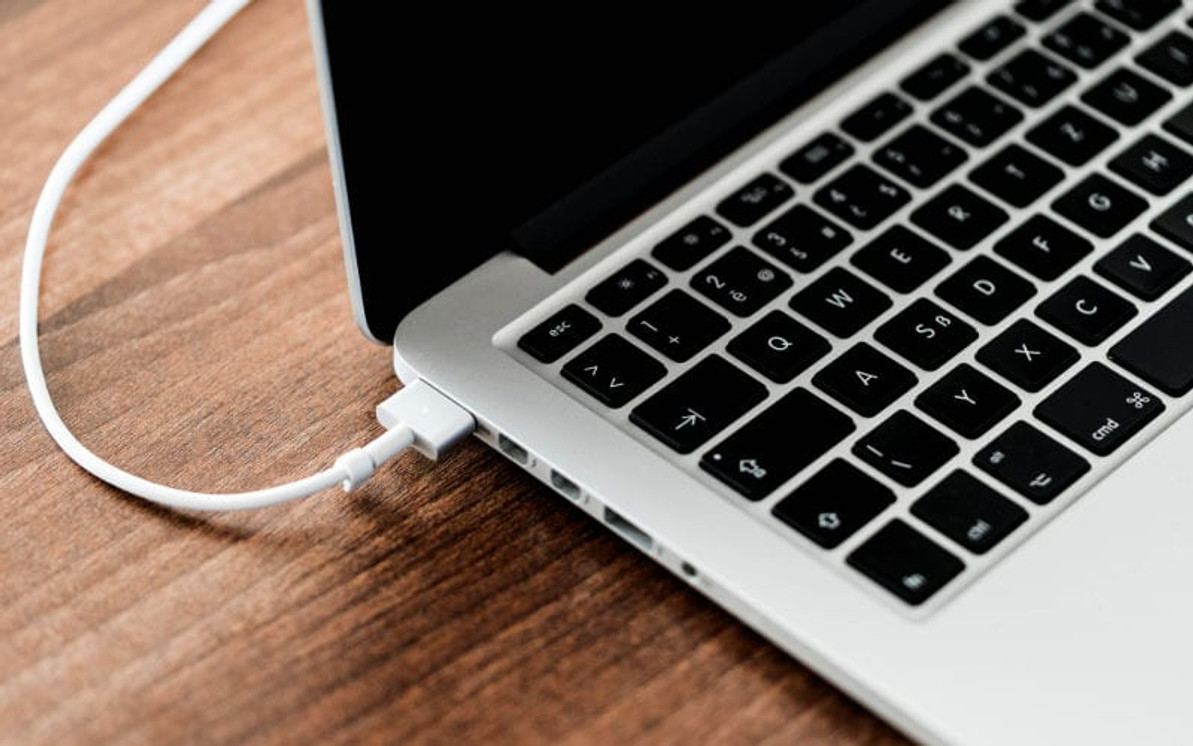
What to do if Mac USB-C devices are not working?
If your USB-C devices are not working on your Mac, there are several troubleshooting steps you can take to identify and fix the issue. Here are some suggestions:Check the USB-C cable and connectors:Ensure that the USB-C cable and connectors are in good condition. If possible, try using a different USB-C cable to see if the problem persists. Restart your Mac:Sometimes, simply restarting your Mac can resolve connectivity issues. Check for macOS updates:Make sure that your macOS is up to date. Upda
…
13th Jan 2024
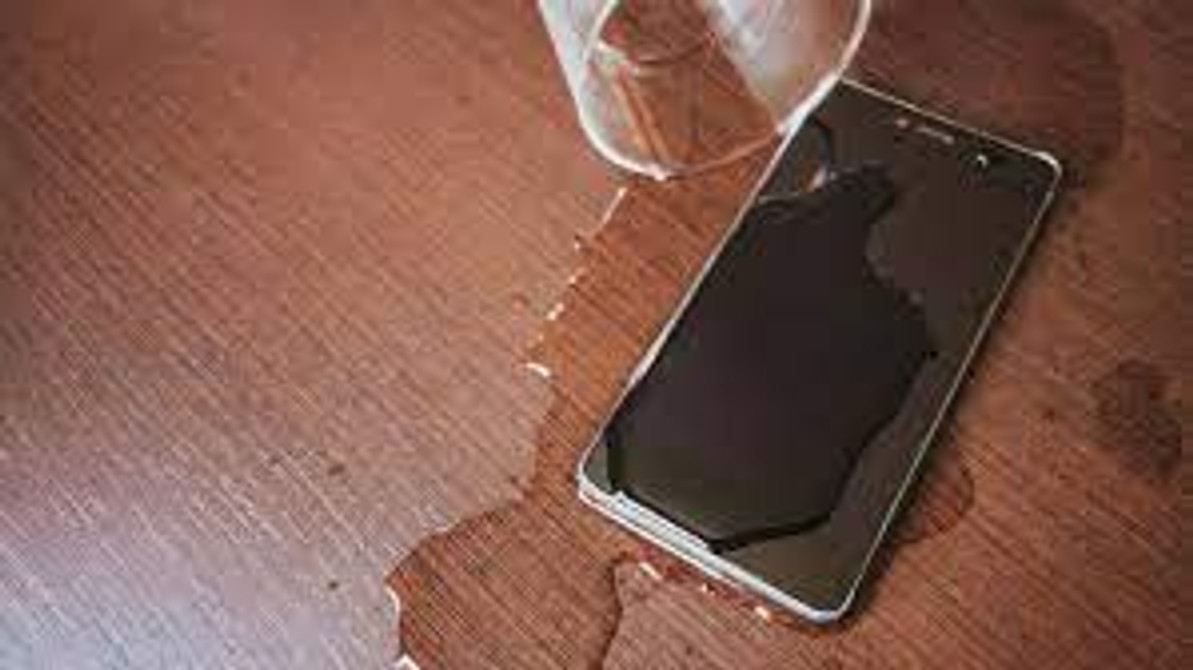
How to fix your water-damaged phone? Step-by-Step Guide
Fixing a water-damaged phone can be challenging, but here are some general steps you can take to try and salvage your device:
Power Off Immediately:
If your phone is still on, power it off immediately to prevent short circuits.
Remove SIM Card and Accessories:
Take out the SIM card, memory card, and any other accessories.
Shake Out Excess Water:
Gently shake the phone to remove any excess water, but avoid vigorous shaking as it can cause more damage.
…
12th Jan 2024