
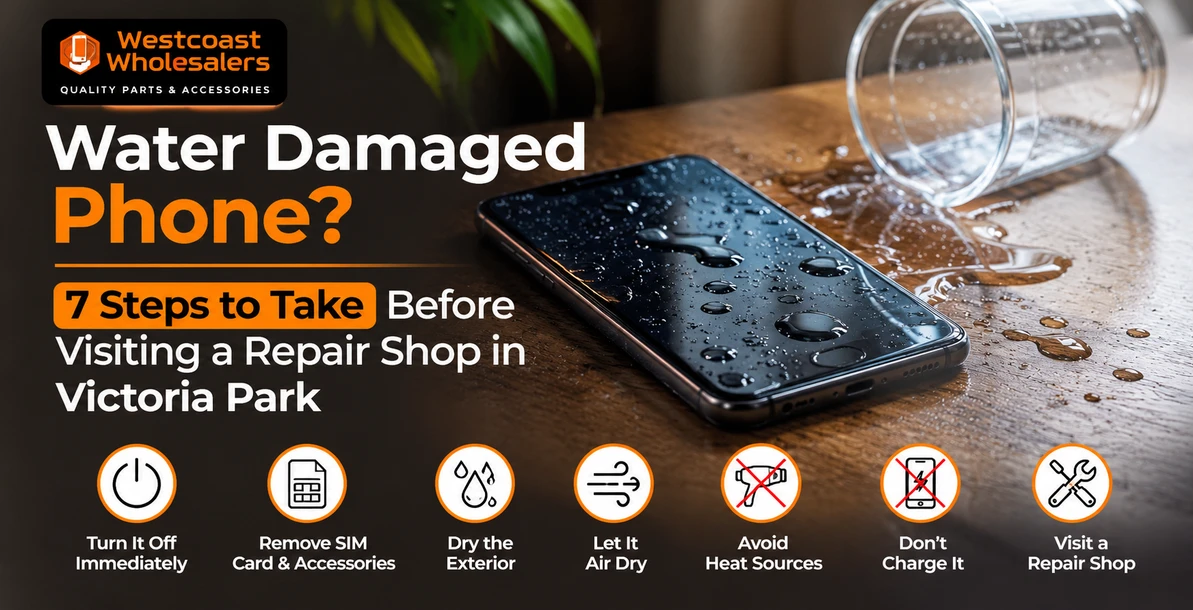
Water Damaged Phone? 7 Steps to Take Before Visiting a Repair Shop in Victoria Park
Quick answer: Get the phone out of the liquid, switch it off and do not charge it. Take off the case, remove the SIM tray, gently tap out any water from the port and leave it somewhere dry with good airflow. Skip the rice, the hairdryer and the compressed air. Then bring it to a repair shop within a day or two, because corrosion keeps working inside the phone even when it seems to be fine. The faster a technician opens it up and cleans the board, the better your chances of saving the phone and your data.
Summer in Perth means pools, beach days at Cottesloe and Scarborough, drinks on the patio and a lot of phones taking an unplanned swim. We see a clear rise in water damaged phones at our Victoria Park store from November onwards, and the outcome often depends less on how wet the phone got and more on what happened in the first hour afterwards.
Here are the seven steps our technicians recommend, in the order you should do them, plus the common "fixes" that make things worse.
The 7 steps to take straight after your phone gets wet
1. Get it out and switch it off
Every second underwater lets more liquid past the seals. Once it is out, power it off completely rather than leaving it on standby. Electricity flowing through wet circuits is what turns a wet phone into a dead one. Resist the urge to keep unlocking it to "see if it still works".
2. Do not plug it in
Charging a wet phone is the most common way to cause a short circuit. Newer iPhones will show a liquid detection alert if the charging port is wet, and Samsung phones show a moisture warning. Take those alerts seriously. Apple advises waiting until the phone and cable are completely dry, which can take up to a day.
3. Take off the case and remove the SIM tray
Cases trap water against the phone. Remove the case, pop out the SIM tray if your phone has one, and remove any memory card on Android models. This lets trapped moisture escape and keeps your SIM safe.
4. Tap out the water and let it air dry
Hold the phone with the charging port facing down and tap it gently against your palm to release water from the port and speaker grilles. Wipe the outside with a soft, lint free cloth. Then leave it in a dry spot with good airflow, out of direct sun. Indoors near a fan is ideal.
5. Skip the rice, the hairdryer and the compressed air
Rice does not pull water out of a sealed phone, and Apple now specifically warns against it because small rice particles and starch can get into the ports. Hairdryers, ovens and leaving it on a hot car dashboard can warp seals and damage the battery. Compressed air can push water deeper inside. And never poke cotton buds or paper towel into the charging port.
6. Note what it was dropped in, and when
Tell your technician exactly what the liquid was and how long ago it happened. It changes what we look for and how quickly we need to act. The table below explains why.
7. Bring it in quickly, even if it seems fine
This is the step most people skip. A phone can work perfectly for a few days after getting wet, then fail as minerals and corrosion build up on the circuit board. Charging port faults, dead speakers, faulty Face ID and sudden battery drain are all common delayed symptoms. A professional clean within 24 to 48 hours gives you the best chance of avoiding them.
Not all liquids do the same damage
| Liquid | Risk level | Why it matters |
|---|---|---|
| Fresh tap or rain water | Moderate | Minerals in the water still cause corrosion, just more slowly |
| Pool water | Moderate to high | Chlorine and pool chemicals attack metal contacts |
| Salt water from the beach | High | Salt is highly corrosive and conducts electricity well, act the same day |
| Soft drinks, coffee, beer, juice | High | Sugar leaves sticky residue on the board and around buttons |
| Toilet or drain water | High | Contaminated as well as corrosive, needs a thorough clean |
"But my phone is water resistant"
Most modern iPhones and Samsung Galaxy phones carry an IP67 or IP68 rating. That is real protection, but it has limits that catch people out:
- Ratings are tested in fresh water in a lab, at a set depth for a set time. Salt water, chlorinated pools, waves and drinks are not part of the test.
- Seals wear out over time. Drops, heat and age all weaken the adhesive that keeps water out. A phone that has had a screen replacement or a cracked back may no longer be sealed like it was new.
- Liquid damage is not covered by standard manufacturer warranty on most phones, even water resistant ones. Check your device insurance or AppleCare plan if you have one.
So water resistance buys you time. It does not make the phone waterproof.
What happens when you bring a wet phone to us
At our Victoria Park store, our technicians open the phone, inspect the board under magnification for corrosion and residue, clean affected areas and test the main components: display, battery, charging port, cameras, speakers and microphones. We then tell you plainly what we found, what needs replacing and what it will cost, before any further work goes ahead.
We are honest about the odds. Phones that come in quickly, switched off and uncharged, have a much better chance than phones that were charged wet or left for a week. Some phones cannot be fully saved, but in many of those cases your photos and data still can be. That is why the first priority is always getting your data off safely.
For a deeper look at what liquid does inside a phone over the following weeks, read our guide on how water damage affects your phone. If your phone stopped charging after getting wet, our guide to charging port repair options covers that specific fault.
We handle liquid damage on all major brands, including iPhone repairs, Samsung repairs, Google Pixel and iPad repair.
Water damaged phone repair in Perth
Westcoast Repairs is a walk in repair shop at 325 Albany Highway, Victoria Park, a short drive from Burswood, Rivervale, Lathlain, Carlisle, Belmont, Kensington and South Perth. No appointment is needed for liquid damage, so bring the phone in, switched off, as soon as you can.
Every repair carries a three month parts and labour warranty.
Westcoast Repairs, Victoria Park
Address: 325 Albany Highway, Victoria Park WA 6100
Phone: 0405 672 390
Hours: Monday to Saturday 9:30am to 5:30pm, Sunday 11:00am to 5:00pm
Find us: mobile phone repair in Victoria Park on Google Maps
Not in Perth? See all our store locations, including phone repairs in Casuarina and phone repairs in Darwin.
Frequently asked questions
Can a water damaged phone be fixed?
Often, yes, especially if it was switched off quickly, not charged while wet and brought in within a day or two. A technician cleans corrosion from the board and replaces any parts that have failed. Some phones are beyond economical repair, but data can frequently still be recovered.
Should I put my wet phone in rice?
No. Rice does not draw moisture out of a sealed phone any faster than open air, and Apple warns that rice particles can damage the device. Leave it in a dry, airy spot and get it checked by a technician instead.
How long should I wait before turning my phone back on?
Ideally, do not turn it back on until it has been checked. If you must use it, wait at least 24 hours in a dry, ventilated spot and do not charge it until any liquid warning has cleared. Turning it on early is the most common way to cause a short circuit.
My phone works fine after getting wet. Do I still need to get it checked?
It is a good idea, particularly after salt water, pool water or a sugary drink. Corrosion builds up slowly, and faults like a dead charging port or speaker often appear days or weeks later. An inspection is far cheaper than a board level repair later.
Does warranty cover water damage on iPhone or Samsung?
Standard manufacturer warranties generally do not cover liquid damage, even on water resistant models. Some insurance policies and extended cover plans do, so check yours before paying for a repair.
How much does water damaged phone repair cost in Perth?
It depends on what the liquid affected. A clean and inspection costs far less than replacing a display or charging port. We assess the phone first and give you a clear quote before any repair work starts, so there are no surprises.
What should I do if my phone fell in the ocean?
Switch it off straight away, do not charge it and bring it in the same day if you can. Salt water is the most corrosive liquid a phone commonly meets, and speed matters more than anything else.
Related reading: how water damage affects your phone, charging port repair options, and iPhone screen repair costs in Perth.
Written by the technicians at Westcoast Repairs, a walk in phone repair shop on Albany Highway in Victoria Park, Perth.
Recent Posts
-
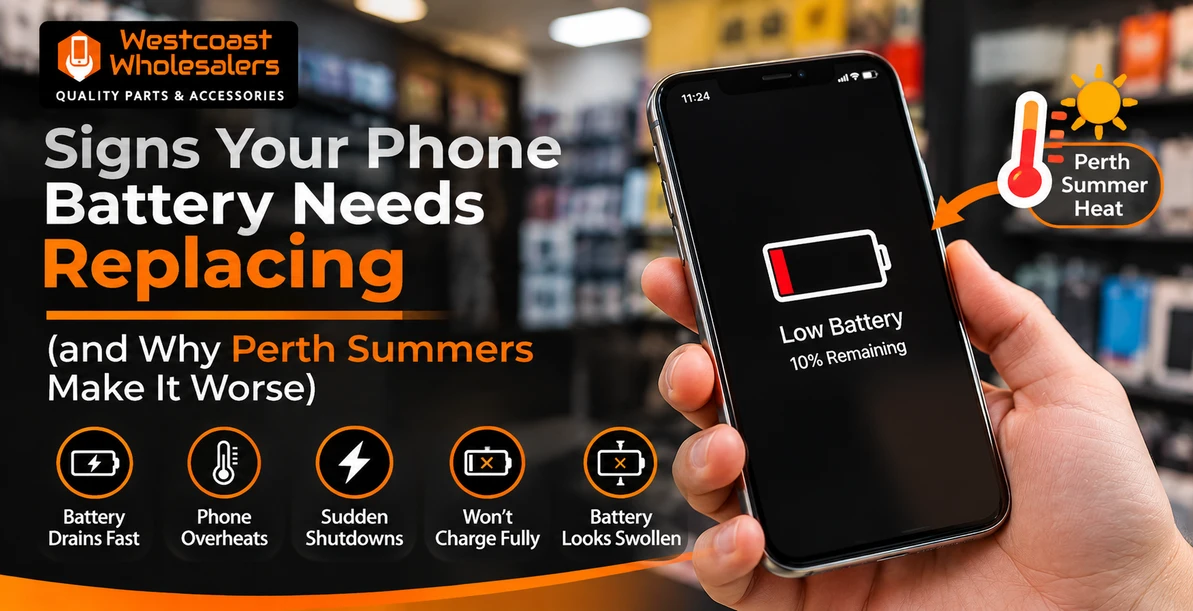
Signs Your Phone Battery Needs Replacing (and Why Perth Summers Make It Worse)
Quick answer: Your phone battery needs replacing if the health reading is below 80 percent, the ph …18th Nov 2026 -

Repair or Replace? How to Decide Before Black Friday and Christmas Phone Deals
Quick answer: Repair your phone if it is less than four or five years old, still gets software and …18th Nov 2026 -
Water Damaged Phone? 7 Steps to Take Before Visiting a Repair Shop in Victoria Park
Quick answer: Get the phone out of the liquid, switch it off and do not charge it. Take off the ca …18th Nov 2026