
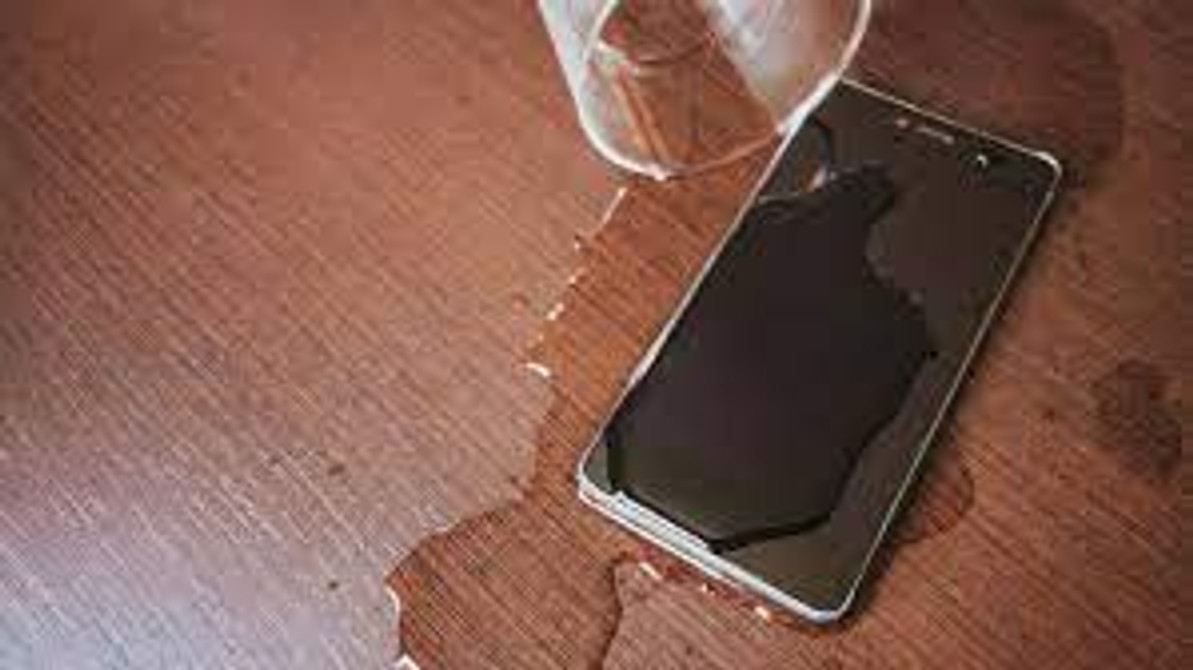
How to fix your water-damaged phone? Step-by-Step Guide
Fixing a water-damaged phone can be challenging, but here are some general steps you can take to try and salvage your device:
- Power Off Immediately:
- If your phone is still on, power it off immediately to prevent short circuits.
- Remove SIM Card and Accessories:
- Take out the SIM card, memory card, and any other accessories.
- Shake Out Excess Water:
- Gently shake the phone to remove any excess water, but avoid vigorous shaking as it can cause more damage.
- Do Not Use Heat:
- Avoid using a hairdryer, oven, or any other heat source, as excessive heat can cause further damage.
- Dry with Absorbent Material:
- Place the phone in a bowl of uncooked rice or silica gel packets. These materials can help absorb moisture. Leave it for at least 48 hours.
- Use a Vacuum Cleaner:
- If possible, use a vacuum cleaner to carefully suck out water from the ports and openings.
- Avoid Turning it On Too Soon:
- Wait until you are certain the phone is completely dry before attempting to turn it back on.
- Professional Repair Services:
- If the above steps do not work, consider taking your phone to a professional repair service. They may be able to assess and fix internal damage.
- Contact the Manufacturer:
- If your phone is still under warranty, contact the manufacturer for guidance. However, keep in mind that most warranties do not cover water damage.
- Data Recovery:
- If the phone doesn’t turn on, but you have valuable data, consult a professional data recovery service.
Remember, the success of these steps can vary depending on the extent of the water damage. If you're unsure or uncomfortable trying to fix it yourself, seeking professional help is recommended.
12th Jan 2024
Recent Posts
-
Is Your Phone Battery Draining Fast? Causes, Fixes and When to Replace It
Quick answer: Check your battery health percentage first, because it settles the question in about …16th Sep 2026 -
Phone Charging Port Not Working? Common Causes and Repair Options in Perth
Quick answer: A charging port that has stopped working usually comes down to one of four things: c …16th Sep 2026 -
Phone Water Damage Repair in Perth: What to Do Before Bringing Your Device to a Repair Shop
If it happened in the last few minutes: switch the phone off, do not plug it in, and do not press …16th Sep 2026